01
Set up the job
Keep individual and business customers organised, record property details and choose the heating system, boiler and radiator counts for the job.

From the first customer call to the final sign-off. Guide every powerflush, capture the evidence, and hand over a report with your name on it.
30 days free. No card details required.
Introductory offer: £9.99 per user per month after your free trial.
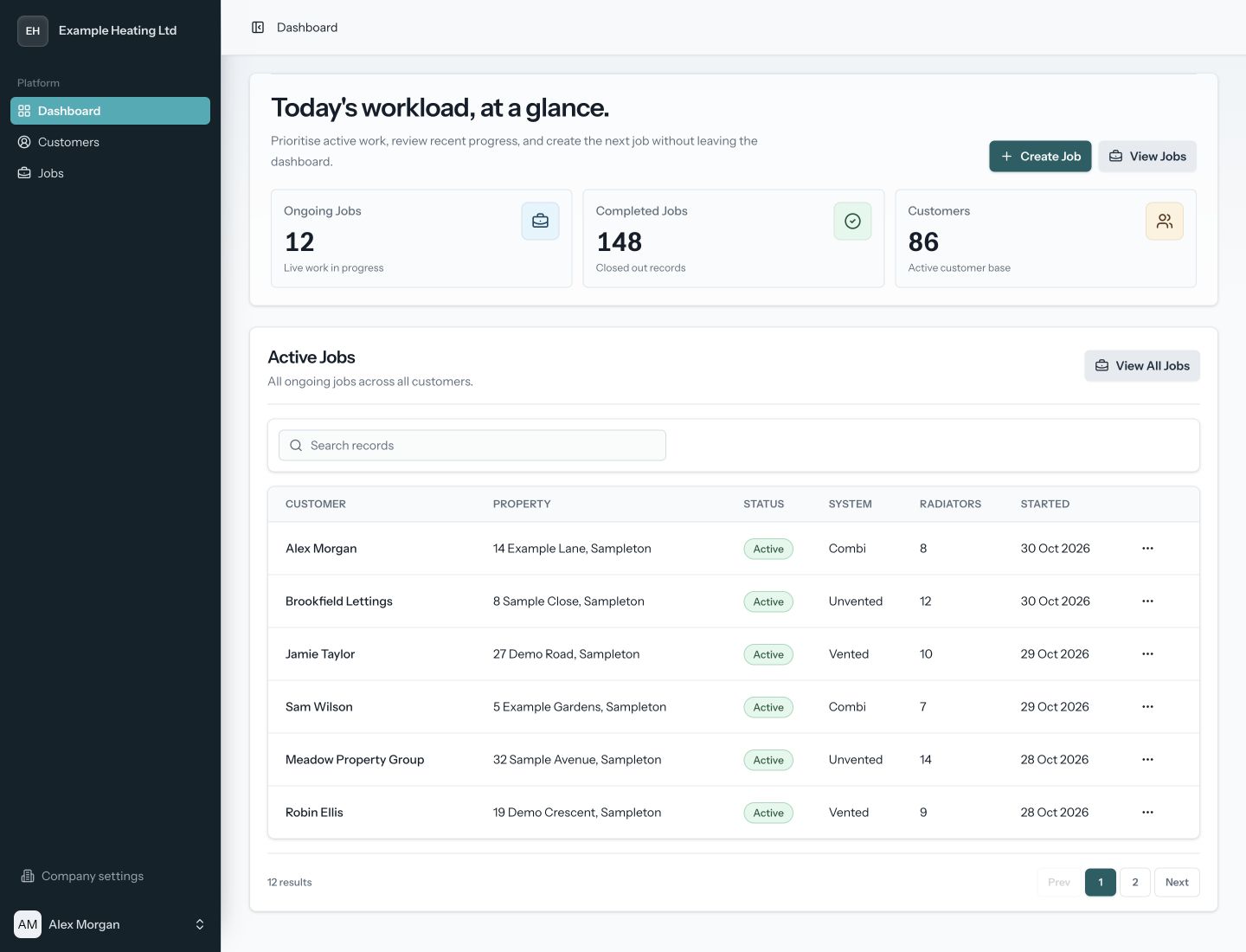
Keep the customer, the property, the procedure and the proof together. Everyone works from the same job record.
01
Keep individual and business customers organised, record property details and choose the heating system, boiler and radiator counts for the job.
02
Give engineers a step-by-step workflow for vented, unvented and combi systems, including the relevant S-plan and Y-plan configurations.
03
Capture room details, notes and photos as you work. Complete every step, collect customer and engineer sign-off, and generate a branded PDF report.
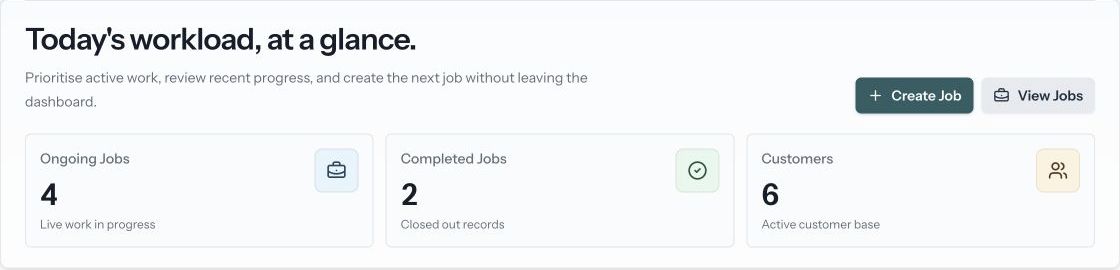
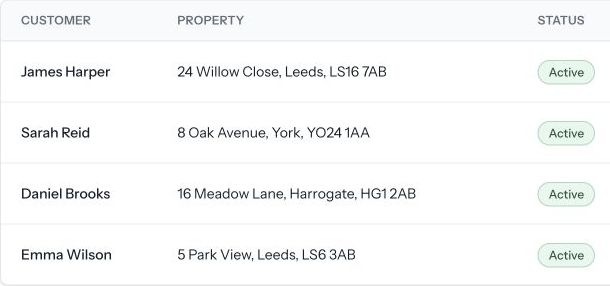
See your workload at a glance and keep track of active jobs. Selected app views with fictional example data.
Powerflushing
Completion Report
Customer & property
Procedure & photographic evidence
Customer sign-off
Engineer sign-off
Illustrative report layout
Give customers a clear record of their powerflush, presented with your company branding and contact details. Keep the evidence connected to the job for future reference.
Start your 30 day free trial and see how the app fits your business. No card details required.
Just your name, work email and business name.
Follow the verification link and confirm your email. We will then prepare your workspace and send your invitation.
Add your company details, create a customer and start your first job. Your 30 day trial starts when your workspace is created.
30 days free. No card details required.
Introductory offer
£9.99 per user per month
After your 30 day free trial.
Have another question? Talk to the Academy.
No. Your trial is free for 30 days and we do not ask for card or payment details when you sign up.
Our introductory offer is £9.99 per user per month after your 30 day free trial. No card details are required to start your trial.
We email you a verification link. Follow the link and confirm your email, then we prepare your workspace and email a secure invitation. Your 30 day trial starts when your workspace is created. Follow the invitation to set your password and get started. If you already have an account, we will email you when your new workspace is ready.
The app includes procedures for vented, unvented and combi systems, with S-plan and Y-plan configurations and heat-only or system boilers where applicable.
Yes. The app supports shared business workspaces so office staff and engineers can work with the same customers, properties and job records.
Yes. Add your company logo and contact details to personalise your PDF completion reports.